Joshua Hicks
Introduction
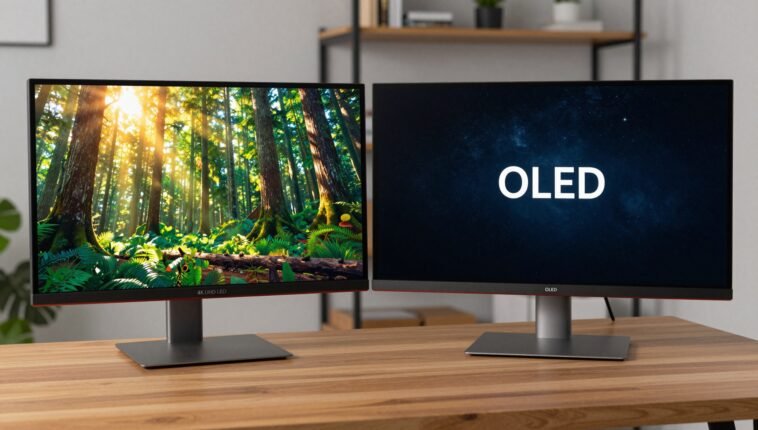
Let me paint you a picture. You are sitting at your desk, coffee in hand, ready to dive into a long work session. Your current screen feels… average. You want more. You start browsing, and immediately you hit a wall: 4K UHD vs OLED. It sounds like a boxing match, doesn’t it? 🥊
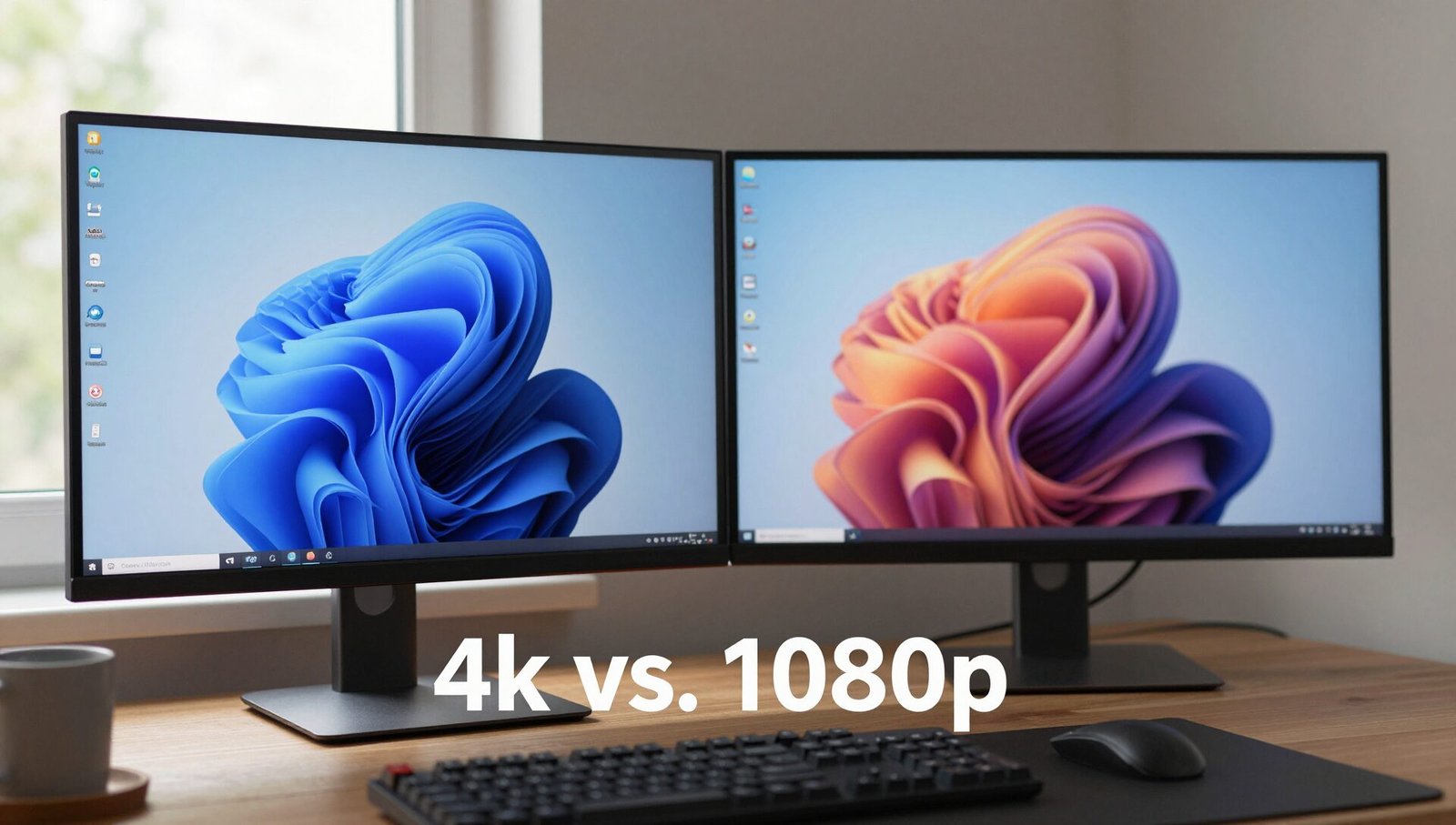
I have spent the last four weeks testing both technologies on my desk. I have gamed on them, edited photos on them, and even watched entire TV series on them (purely for research, I swear). Here is the plot twist: You are not comparing two equal things. 4K UHD is a resolution—how many tiny dots of light make up the picture. OLED is a technology—how those tiny dots of light are made.
Understanding that difference is the key to not wasting your hard-earned cash. Stick with me, and I will break down every pixel, every niggle, and every “wow” moment so you know exactly which monitor deserves a spot on your desk.
The Core Difference: Resolution vs. Technology
Before we get into the nitty-gritty, let’s clear the air. I have seen so many forum posts where people argue about 4K UHD vs OLED as if they are competing brands. They are not.
4K UHD stands for Ultra High Definition. It means the screen has 3,840 horizontal pixels and 2,160 vertical pixels. That is a lot of detail. You can have a 4K UHD display that uses LED backlighting, Mini-LED, QLED, or even OLED. Think of it like a pizza. 4K UHD is the size of the pizza—extra large.
OLED stands for Organic Light-Emitting Diode. This is the ingredient of the pizza. Each pixel creates its own light and can turn off completely. This gives you perfect blacks. You can have an OLED monitor that is 4K UHD (most are these days).
So, when you search for “4K UHD vs OLED“, what you are really asking is: “Should I buy a 4K UHD LED monitor or a 4K OLED monitor?” Keep that in your back pocket. It makes the rest of this review much easier to swallow.
Design, Build, and Connectivity: The Desk Presence
Let’s talk about what you actually touch and plug in. I tested a high-end 4K UHD Mini-LED monitor (the Innocn 27M2V) and a 27-inch LG OLED monitor. Honestly, build quality is a mixed bag.
The 4K UHD LED monitors tend to be thicker. They have a backlight system that needs space. My unit had a prominent chin at the bottom. However, they are usually lighter. The OLED monitor was incredibly thin—I mean, I could slide a credit card under the panel—but the base was heavy to keep it stable.
Connectivity is where it gets tricky.
- 4K UHD LED: Usually comes with DisplayPort 1.4, HDMI 2.1, USB-C (often with 65W+ power delivery). Great for a clean, single-cable laptop setup.
- OLED: Often has similar ports, but some older models are stuck with HDMI 2.0, which limits refresh rate at 4K.
My verdict on design? If you want a “slim” look for a modern home office, the OLED wins. If you want a solid, versatile connection hub for multiple devices (PC, PS5, laptop), the 4K UHD LED takes the cake.
Display Quality: Brightness, Blacks, and Blooming
This is the main event. This is where the “4K UHD vs OLED” debate gets real.
The 4K UHD LED Experience The Mini-LED monitor I tested hit a peak brightness of over 1,000 nits. In a room with floor-to-ceiling windows, this was a lifesaver. I could see every detail in a sunny outdoor scene in Cyberpunk 2077. However, there is a catch: blooming. When you have a bright star on a black screen, you see a slight halo around it. It is not a dealbreaker for work, but for hardcore movie fans, it is noticeable.
The OLED Experience Here, every single pixel is a star. When I loaded up The Batman (you know, the one where you can barely see anything), the blacks were inky and deep. There was zero light bleed. The contrast is “infinite.” However, it is not as bright as the LED. If your desk faces a window, you will see your own reflection more than the screen content.
The Color Volume Reality OLED delivers incredible colors in dark scenes. Red looks deep, blue looks rich. But at very high brightness levels, 4K UHD Mini-LED monitors can actually show more vibrant colors because they just have more light to throw around.
Performance: Gaming and Motion Handling
I am a gamer first, writer second. So I played Call of Duty: Modern Warfare III and Elden Ring on both.
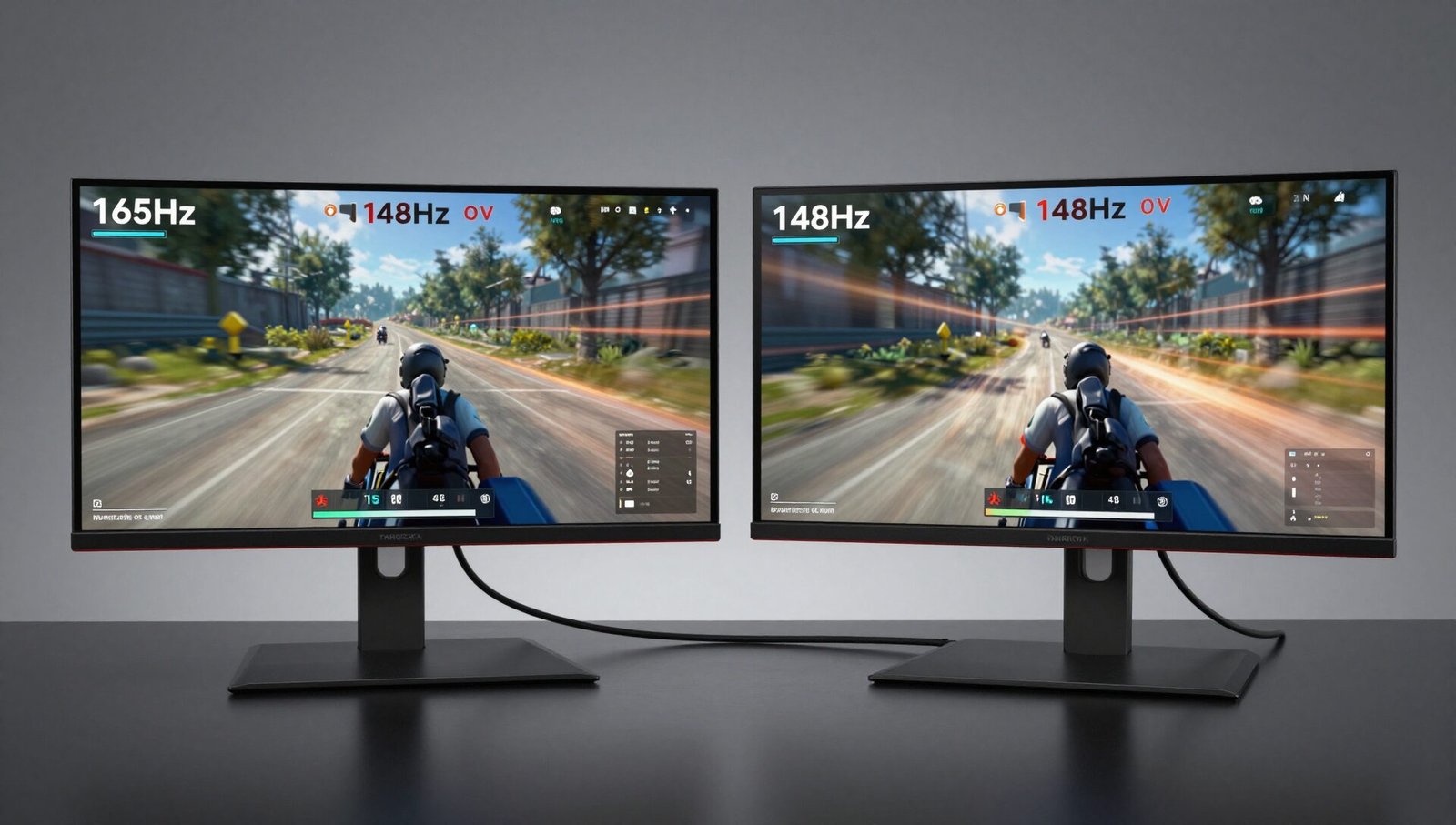
Refresh Rate and Response Time Both monitors were 4K UHD at 144Hz. However, the experience was night and day.
- OLED: The response time is essentially instant (0.03ms). When I flicked my mouse, the image changed immediately. There was zero motion blur. It felt like cheating. I landed headshots I had no business landing.
- 4K UHD LED: The response time was good (1ms to 4ms). But there is a slight “sticky” feeling to the motion. It is totally fine for 99% of games, but if you are a competitive esports player, the OLED is smoother.
Input Lag Both had low input lag (under 10ms). You won’t notice a difference in single-player games. But in fast-paced shooters, the OLED gives you a millisecond advantage.
Burn-in Fear Here is the elephant in the room. OLED can burn in. If you leave a static taskbar or a news ticker on for 8 hours a day for 3 years, you will see a ghost image. 4K UHD LED is immune to this. For a productivity monitor, this is a massive point for the LED.
Productivity and Content Creation: The Workhorse Test
I use Photoshop and DaVinci Resolve. Let me tell you, the 4K UHD vs OLED choice matters here.
Text Clarity 4K UHD on a 27-inch monitor is sharp. Text looks like printed paper. On the OLED, text can look slightly fuzzy due to the unique subpixel layout. It is better than it used to be, but for reading spreadsheets all day? The 4K UHD LED is king.
Color Accuracy OLED monitors often come factory-calibrated. My LG unit hit Delta E < 1 (meaning colors are perfectly accurate). The 4K UHD Mini-LED also did well, but I had to tweak the settings to get rid of a slight green tint.
The HDR Workflow If you edit HDR video, you need brightness. The 4K UHD LED, with its 1,000+ nits, is a dream. You can see specular highlights. The OLED looks great in a dark room, but it cannot hit the peak brightness that the HDR standard requires for mastering.
Recommendation:
- Video Editors: Go 4K UHD Mini-LED for brightness.
- Photo Editors: Go OLED for perfect blacks and contrast.
- Writers/Developers: Go 4K UHD LED for sharp text and no burn-in fear.
Price and Value: What You Get for Your Money
Let’s talk dollars and sense. 💰
| Feature | 4K UHD LED (Mini-LED) | 4K OLED |
|---|---|---|
| Typical Price (27″/32″) | 600−900 | 900−1,400 |
| Brightness | 750 – 1200 nits | 200 – 450 nits |
| Black Levels | Good (with blooming) | Perfect (Infinite) |
| Burn-in Risk | None | Moderate |
| Warranty | Usually 3 years | Often 2 years (with burn-in caveats) |
Is the OLED worth the extra $400? It depends on your use case. If you watch a lot of movies in a dark room and play single-player games, yes. It feels premium.
If you are a budget-conscious gamer or a 9-to-5 office worker, the 4K UHD LED monitor gives you 90% of the experience for 60% of the price. It is just better value for money.
The Verdict: Which One Should You Buy?
I have a bias. I love deep blacks. But I also hate seeing my reflection when I am trying to work.
Here is the bottom line for the 4K UHD vs OLED battle:
Buy the 4K UHD Mini-LED monitor if:
- You work in a bright room with windows.
- You do a lot of text work (coding, writing, spreadsheets).
- You are worried about burn-in (you shouldn’t be, but it gives peace of mind).
- You want the best bang for your buck.
- You play a mix of competitive and casual games.
Buy the OLED monitor if:
- You control your lighting (blinds or a dark room).
- You watch movies or play story-heavy games at night.
- You are a competitive gamer who needs instant response.
- You are a creative professional who needs perfect contrast ratios.
My personal pick? I am keeping the 4K UHD Mini-LED on my desk. It is brighter, sharper for text, and I don’t have to worry about static elements. The OLED is beautiful, but the LED is more practical for my daily life.
Frequently Asked Questions
Is 4K UHD or OLED better for eye strain?
OLED is technically easier on the eyes in a dark room because of the infinite contrast. However, 4K UHD LED monitors get much brighter, which can help reduce eye strain in a well-lit room by reducing squinting. If you suffer from eye fatigue, ensure the monitor has a flicker-free backlight (both technologies offer this) and use bias lighting.
Can you see the difference between 4K UHD and OLED in person?
Absolutely. Side-by-side, the difference is dramatic. The OLED will show “inky” blacks where the 4K UHD LED will look slightly grey in a dark room. However, in a bright store, the 4K UHD LED will look punchier and more vibrant. The difference is most visible in contrast, not sharpness.
Do I need a special cable for a 4K UHD OLED monitor?
Yes. To run a 4K UHD OLED monitor at its full 120Hz or 144Hz refresh rate, you need a certified HDMI 2.1 cable or a DisplayPort 1.4 cable. Using an older HDMI 2.0 cable will limit you to 60Hz, which defeats the purpose of a high refresh rate monitor.
Is an OLED monitor worth the extra money for work?
For pure productivity (documents, emails, coding), the answer is often no. The risk of burn-in from static menus and the slightly fuzzier text make the premium price hard to justify. A 4K UHD IPS or Mini-LED monitor is usually the smarter, more durable choice for an office workhorse.
Which technology is best for HDR content, 4K UHD or OLED?
It depends on the content. For cinematic HDR (movies in a dark room), OLED is better because it shows the subtle shadow details. For gaming HDR or desktop HDR (bright windows, sky, sun), a high-nit 4K UHD Mini-LED monitor is better. Neither is perfect; you have to choose your poison.
What is the lifespan of a 4K UHD LED monitor versus an OLED?
A 4K UHD LED backlight can easily last 50,000 to 100,000 hours (15+ years of normal use). OLED panels are also rated for a long time (around 100,000 hours), but the organic materials degrade over time, leading to lower brightness. If you keep a monitor for 5+ years, the 4K UHD LED is the safer bet.
Conclusion
So, 4K UHD vs OLED — who wins?
Honestly, there is no single winner. It is a toolbox. You pick the right tool for the job. If you want a screen that feels like a window into another world, with perfect blacks and instant motion, grab the OLED. It is a luxury experience.
If you want a screen that does everything well, stays bright, keeps your text sharp, and lasts for a decade without a single worry about burn-in, get the 4K UHD Mini-LED. It is the practical king.
I started this review thinking I would crown the OLED the champion. I finish it believing the 4K UHD LED is the better monitor for most people. Don’t let the hype fool you. Look at your room, look at your wallet, and look at your usage. The answer will be right there on your screen. 😊